Before You Download
Two things are worth knowing before the countdown ends. First, the size: the complete file is about 31 MB, and size is your first diagnostic. A file much smaller than that is an incomplete download, so let it finish before you open it. Second, the fit: Cinema HQ is a sideloaded app, not a store app, so Android will ask you to allow installs from your browser or file manager when you open the file. That permission is per app, and the homepage install guide walks through the screen.
Installing After the Download
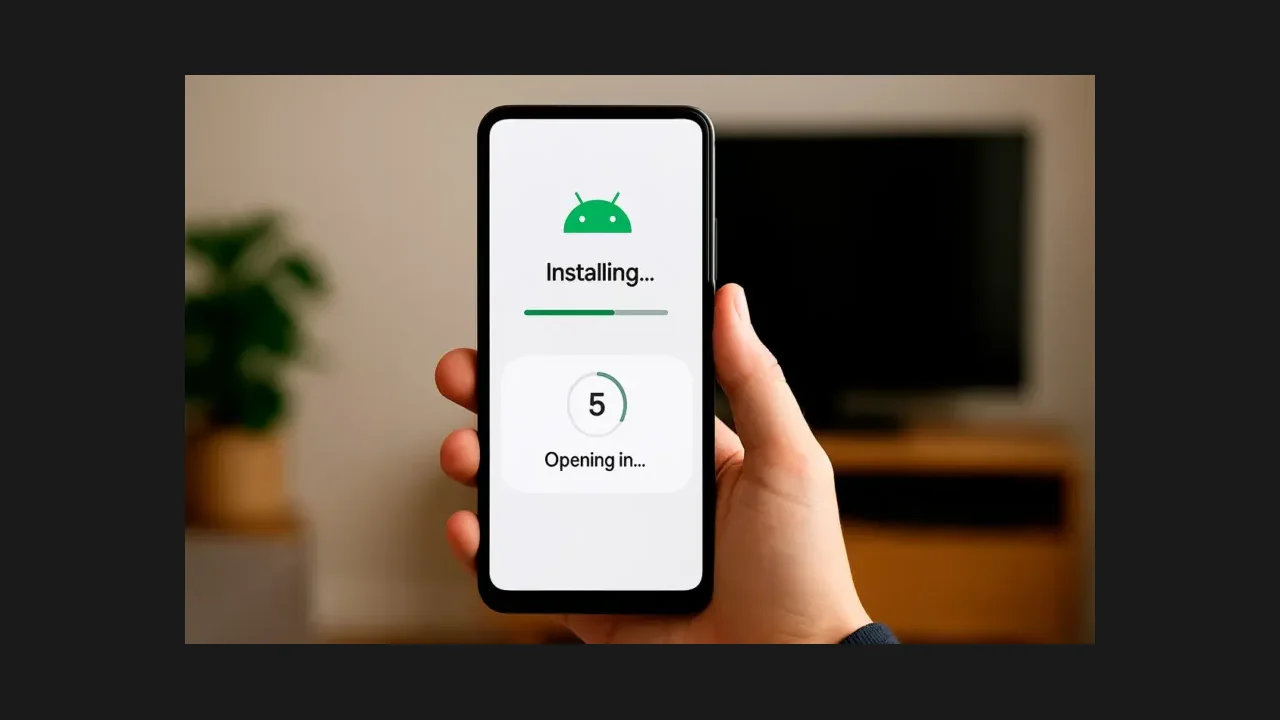
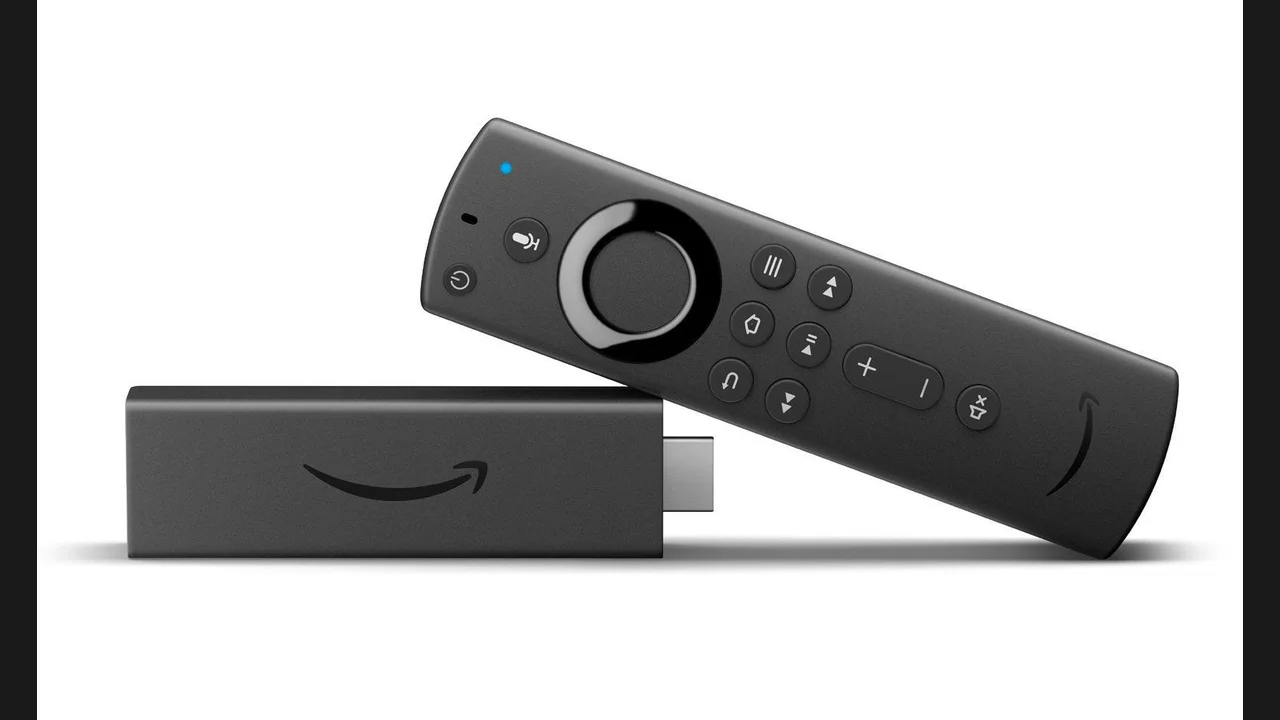
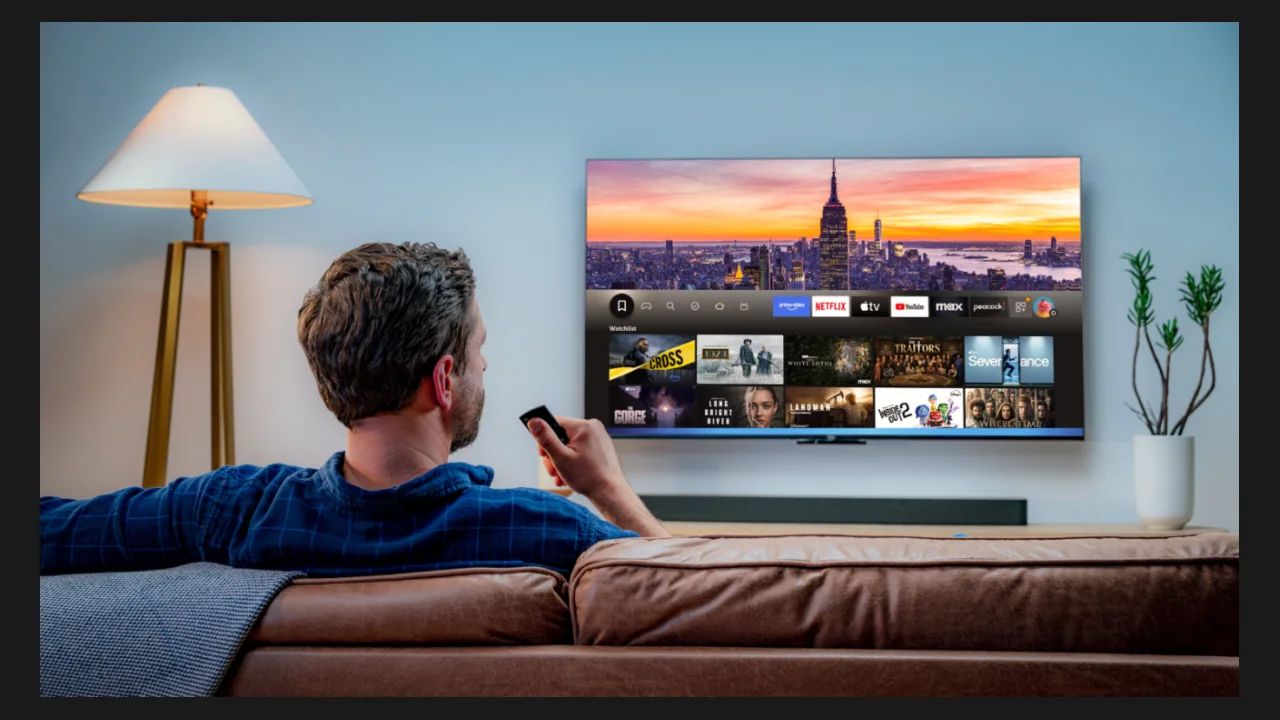
When the countdown ends, tap the button and save the file. Open the saved file, allow installs from that one source when Android asks, tap Install, and open Cinema HQ when it finishes. Start with a search for a title you know, try a source, and if the first source buffers, try the next one before touching any setting. The full step by step guide is on the homepage, and the Firestick guide covers the TV route.
Why Download From Here
This page serves the Cinema HQ v8.7 APK, not a renamed copy passed around elsewhere. That matters for a sideloaded app, because renamed copies are where modified builds hide. The file size check is published here for the same reason: about 31 MB, complete or not at all. If your download lands short of that, download it again rather than troubleshooting a broken file.