Cinema HQ Guide
How to Install Cinema HQ on Android: The Complete Walkthrough
The Cinema HQ install done right: the 31 MB file, the one permission Android asks for, and a first title to test.
 By Maria Reyes · Streaming App Reviewer
Get the file first
If you are new here, start from the Cinema HQ APK homepage, then follow this guide. Start at the download page and save the file, then check that it finished at about 31 MB. A short file is an incomplete download, and no install trick can rescue it, so re-download on a steadier connection before you do anything else. Once the file is complete, open it from the download notification or from your Files app.
Allow installs from one source
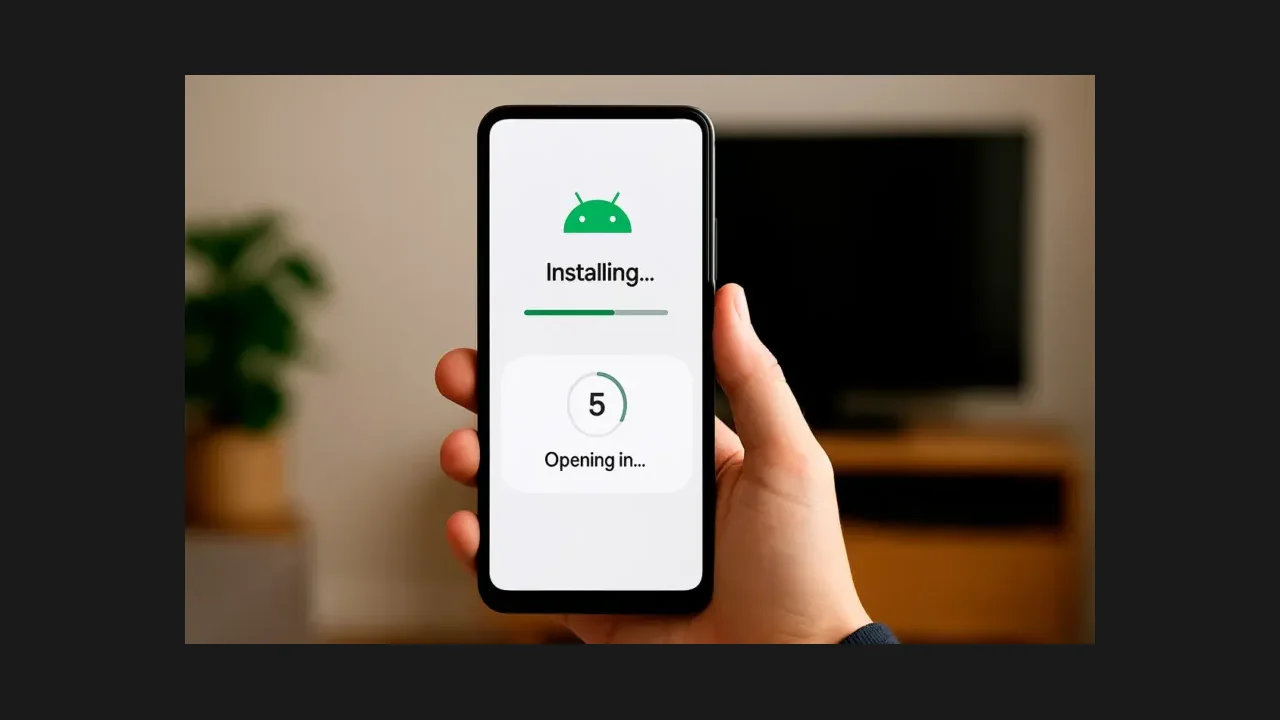
Android will pause and ask about installing from this source, because Cinema HQ is not a store app. Switch on the allow toggle for your browser or file manager only, then go back to the install screen. This permission is per app, so you are not opening the door for everything on the phone. Tap Install, wait under a minute, and tap Open when it finishes. The Firestick route guide covers the next step in detail.
Test with a title you know
On first launch, give the app a moment to build its home rows, then search for one title you know well. Open it, try a source, and if the first source buffers, back out and try the next one. A clean first test tells you the install worked; a struggle on the first title usually means a source problem, not an install problem. For a related setup, see Android TV setup. The file itself is on the download page.
Quick Answers
Why does Android ask about unknown sources?
Because Cinema HQ is installed from a file, not from a store. Android asks per app, so allow installs only for the browser or file manager you used.
How big is the Cinema HQ file?
About 31 MB. A much smaller file is incomplete and should be downloaded again.
What if the install fails?
Check the file size first, then free up storage and try again. A complete file on a phone with space installs cleanly in most cases.