
Cinema HQ Guide
Cinema HQ Buffering: Stop the Spinning Circle
Fix Cinema HQ buffering: connection tests, source quality, external players and cache.
 By Maria Reyes · Streaming App Reviewer
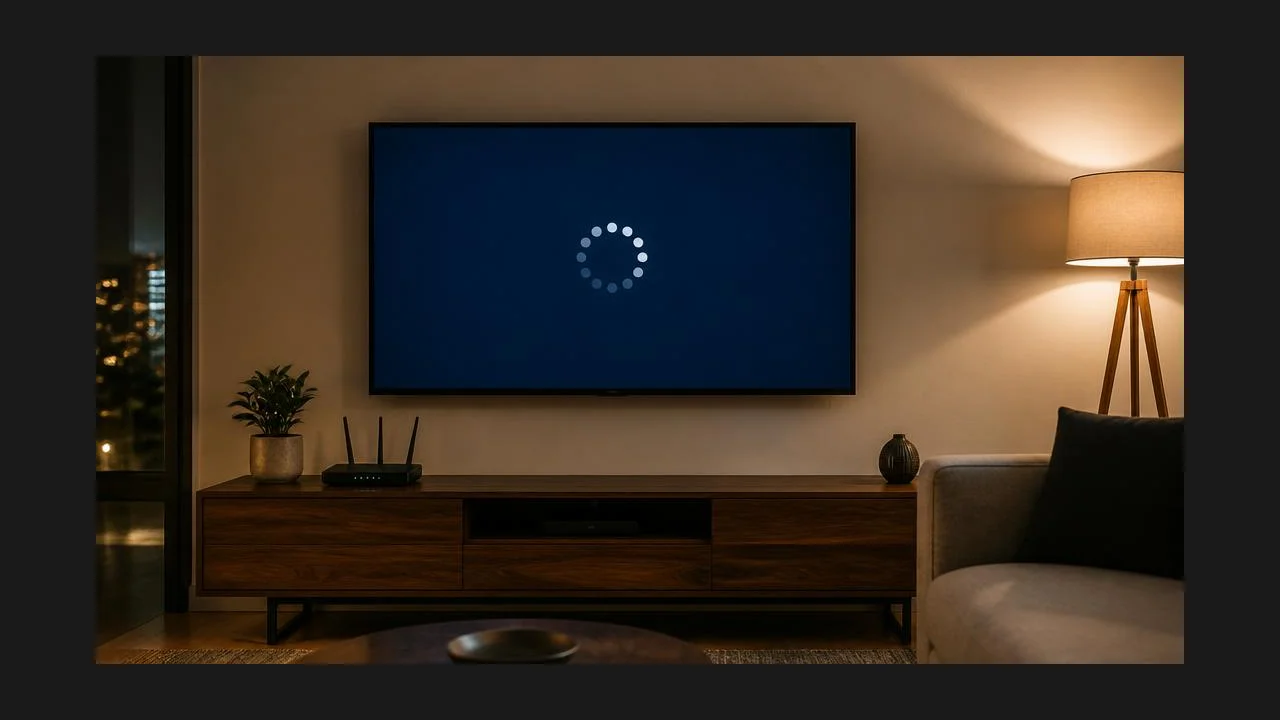
Test the connection first
If you are new here, start from the Cinema HQ APK for Android homepage, then follow this guide. Before touching the app, test the connection: load a video elsewhere on the same device and network. If everything buffers, the network is the problem, and no app setting will fix it. Move closer to the router, or switch from a crowded wireless band to a wired connection on a TV box.
Drop the quality, then switch players
In Cinema HQ, pick a lower quality source for the title. A steady lower quality stream beats a stuttering top quality one every time. If lower quality still buffers, try an external player, which handles some formats better than the built in player. The offline downloads guide covers the next step in detail.
Clear cache and try off peak
Clear the app cache to remove stale data, and try the title again. If buffering only happens at peak evening hours, the source servers are busy, and a cached debrid source or a different time of day is the honest fix. For a related setup, see search tips.
Quick Answers
Why does Cinema HQ buffer on every title?
Test the connection first. App wide buffering is usually network, not app.
Does a debrid account stop buffering?
Cached debrid sources buffer less, but they cannot fix a slow connection.
Is clearing cache safe?
Yes. Clearing cache removes temporary data only, not your watchlist.