
Cinema HQ Guide
Cinema HQ Downloads: Watch Offline the Right Way
Download titles in Cinema HQ for offline viewing, through a connected debrid service.
 By Maria Reyes · Streaming App Reviewer
What downloads need
If you are new here, start from the Cinema HQ official download homepage, then follow this guide. Downloads in Cinema HQ work for supported titles through a connected debrid service, where the source allows it. Connect the service in settings first, then look for the download option on a title page. Not every source supports downloads, so a missing download option is a source limit.
Plan storage before a trip
Check free storage before downloading a batch of titles, since video files are large. Download on wireless, not mobile data, and download the night before a trip rather than at the station. Delete watched downloads promptly to keep space for the next batch. The search tips guide covers the next step in detail.
Offline playback basics
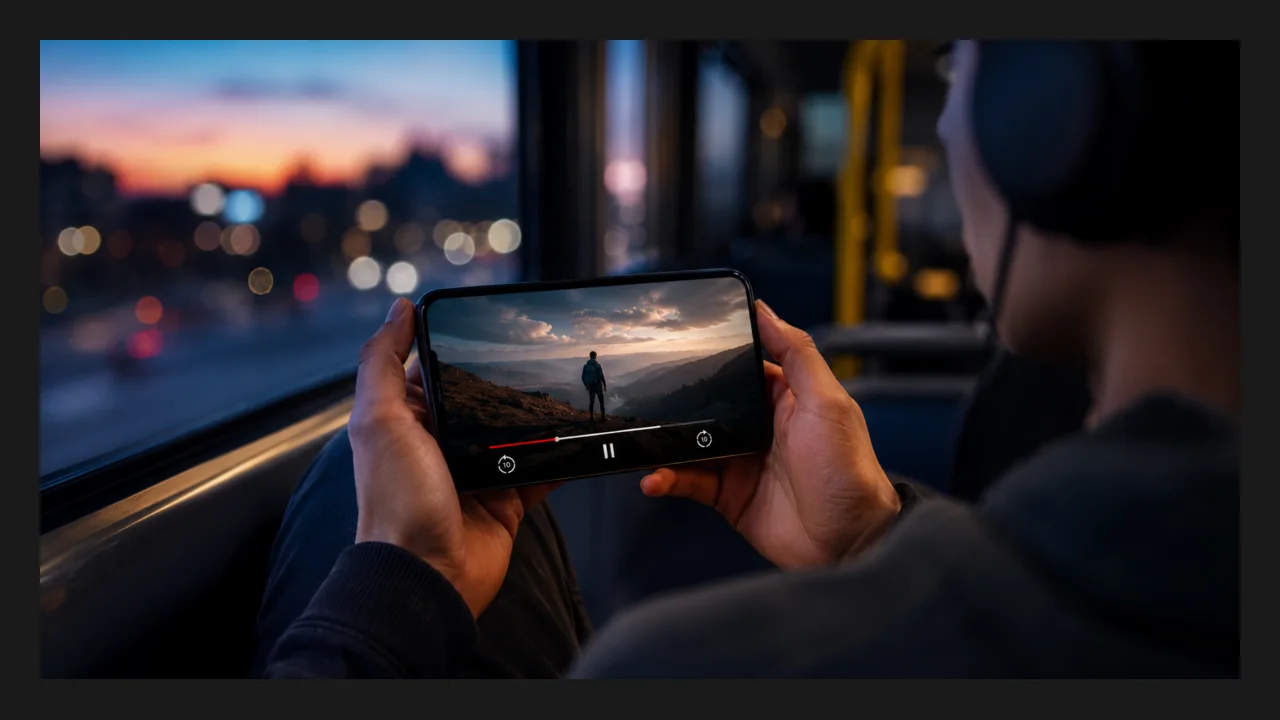
Downloaded titles play from the downloads section without a connection. If a downloaded title refuses to play offline, check that the download finished completely, and re-download it on a stable connection rather than troubleshooting a short file. For a related setup, see paid or free choice.
Quick Answers
Can I download in Cinema HQ without debrid?
Downloads are offered for supported titles through a connected debrid service. Without one, most titles are stream only.
Why is there no download button on some titles?
The source for that title does not support downloads. Try another source for the same title.
Do downloads expire?
Downloaded files stay until you delete them, subject to the service terms of the connected provider.